🧪Quads Lab
MCP Server
Free & Open Source
Discord MCP
Manage Your Entire Discord Server Through AI
Manage your entire Discord server from Claude Code, Claude Desktop, Cursor, or Windsurf. 134 admin tools across 20 categories — roles, channels, moderation, webhooks, events, forums, emojis, and more. All through natural language.
@quadslab.io/discord-mcp · MIT License · Node.js ≥ 18
Quick Install
Get up and running in under a minute with the interactive setup wizard.
Recommended
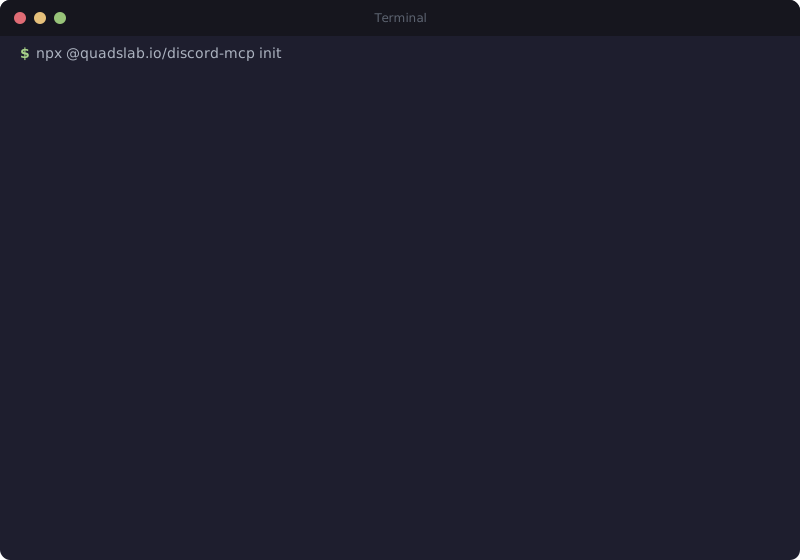
npx @quadslab.io/discord-mcp initThe init wizard auto-detects your AI client and configures everything.
Manual Configuration
// Run in your project directory:
npx @quadslab.io/discord-mcp init
134
Tools
20
Categories
MIT
License
What You Can Do
134 tools across 20 categories covering every aspect of Discord server management.
Role & Permission Management
Create, edit, delete, and reorder roles. Set granular permissions, assign/remove roles from members, and audit role hierarchies.
Channel & Forum Operations
Manage text, voice, stage, and forum channels. Create categories, set permissions overrides, configure slowmode, and organize your server structure.
Member Moderation
Ban, kick, timeout, and warn members. Manage nicknames, audit member activity, and enforce server rules through natural language commands.
Message & Webhook Handling
Send, edit, pin, and delete messages. Create and manage webhooks for automated notifications and integrations with external services.
Events & Scheduling
Create and manage scheduled events for your server. Set up recurring events, voice events, and external events with full metadata control.
Auto-Moderation & Audit Logs
Configure AutoMod rules to filter content, block spam, and enforce guidelines. Query audit logs to track all server changes and actions.
Just Ask in Plain English
No commands to memorize. Just describe what you want in natural language.
"Create a #welcome channel and set it to read-only for @everyone"
"Ban @spammer and delete their messages from the last 7 days"
"Set up AutoMod to block links in #general"
"Create a role called Moderator with kick and ban permissions"
"Schedule a community game night event for Friday at 8pm"
"Show me the audit log for the last 24 hours"
134 Tools, 20 Categories
Complete coverage of the Discord API. Every tool you need to manage a server.
Server Management6
Channel Management14
Role Management11
Member Management8
Message Operations11
Webhook Management6
Emoji & Sticker8
Invite Management4
Ban Management4
Event Management6
Forum Channels7
Stage Channels4
Thread Management8
AutoMod5
Audit Log2
Integration3
Template2
Widget3
Onboarding4
Permission8
Supported Clients
Works with any MCP-compatible AI assistant. First-class support for these clients.
>
Claude Code
CLI-based AI coding assistant
C
Claude Desktop
Desktop app for Claude
{
Cursor
AI-first code editor
W
Windsurf
AI-powered IDE
How It Works
Three steps to full Discord server management through AI.
1
Create a Discord Bot
Create a bot in the Discord Developer Portal, invite it to your server with the permissions you need.
2
Run the Init Wizard
Run npx @quadslab.io/discord-mcp init — it auto-detects your AI client and writes the config for you.
3
Use Natural Language
Ask your AI assistant to manage your Discord server. "Create a #announcements channel", "Ban user X", "Set up AutoMod rules".
Tech Stack
LanguageTypeScript
RuntimeNode.js >= 18
ProtocolModel Context Protocol (MCP)
Transportstdio
LicenseMIT
Start Managing Discord with AI
Free, open source, and ready to use. Star the repo, install the package, and join the community.